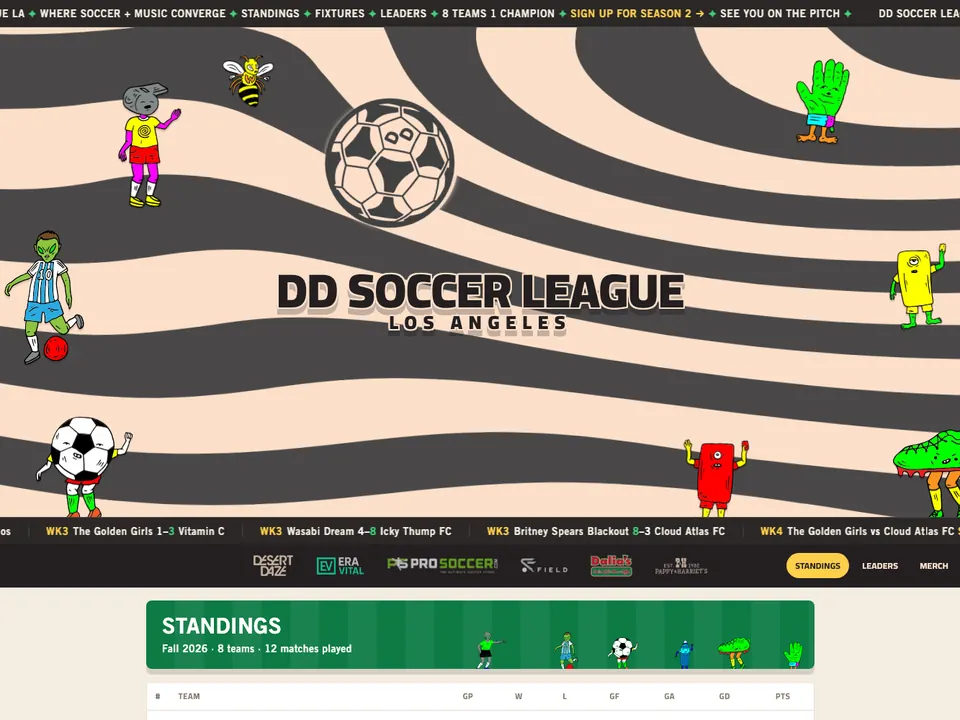
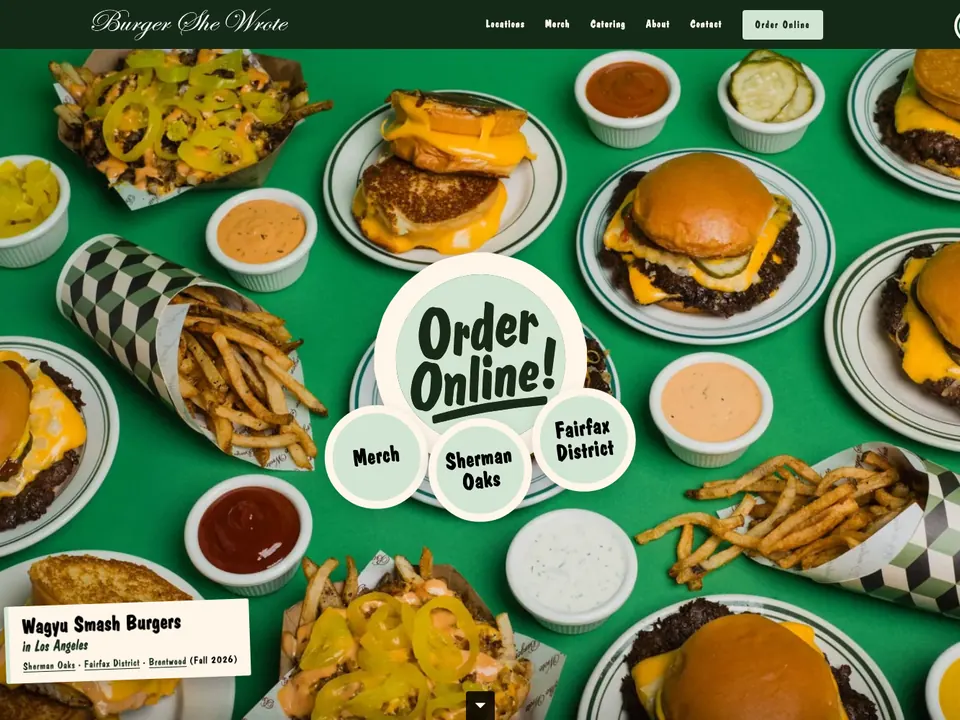
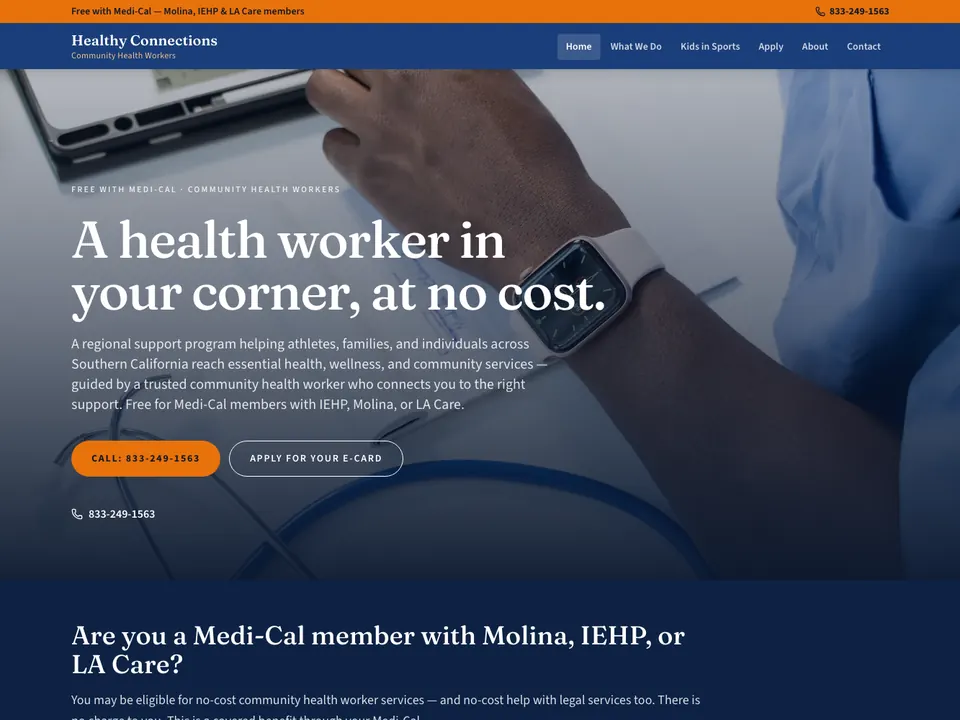
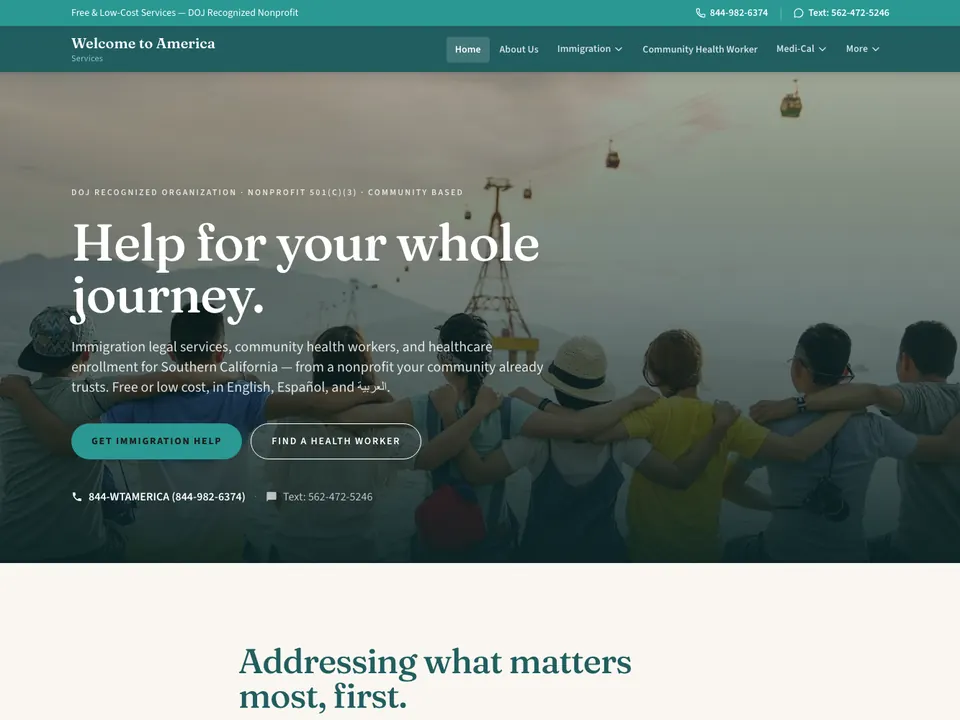
Websites, storefronts, and the software that runs them—built for creatives and small to midsize businesses.
I build custom sites using modern JavaScript frameworks, handle e-commerce and headless setups, and build out CMS platforms that replace WordPress. Everything is shipped with SEO, accessibility built to WCAG 2.2 AA, properly optimized media, and integrations for just about any API you need to connect to.
Beyond public-facing sites, I build the internal tools that actually run your business: admin panels, score entry, dashboards, status pages, or just that one specific tool you need to finally replace a chaotic spreadsheet. The setup is straightforward—a Postgres database you actually own, an API in front of it, and a clean interface on top.
I also do rescue work. If you have a sluggish WordPress site, a botched migration, or a cloud bill that’s spiraling out of control, I can move you back to fast, sensible infrastructure.
My general philosophy is simple: build before you buy, choose open-source over endless SaaS subscriptions, and own your infrastructure instead of renting it.
— the person
PaperBrain is Ramey Robles, a full-stack developer based in Los Angeles. I’ve spent thirteen years building for creatives and growing businesses—in-house, at agencies, and solo.
When you work with me, you get one person. No account managers, no game of telephone. The developer who builds your site is the one who answers the email if it breaks. (Though it mostly doesn’t break.)
I offer a sliding scale. If you need something small and can’t quite swing full agency rates, just ask.
1 a: a felted sheet of usually vegetable fibers laid down on a fine screen from a water suspension
verb · 2 of 3
1archaic: to put down or describe in writing
adjective · 3 of 3
2: of or relating to clerical work or written communication
(b)
brain /ˈbrān/
noun · 1 of 2
1 a: the portion of the vertebrate central nervous system enclosed in the skull … in the process of learning
2 b: the chief planner within a group — she’s the brains behind their success
3: something that performs the functions of a brainespecially: an automatic device (such as a computer) for control or computation
(01/11) custom, no templates
Design + build
Each site starts with a call and a written scope with a price. I build it from scratch in code, without a theme or a page builder, and run the accessibility and search checks before you see it. You review it on a private preview link, and it launches once you approve it.
(04/11) admin panels, score entry, dashboards, status pages
Internal tools
These are tools for running the business, and they usually replace a spreadsheet. They run on a Postgres database you own, the same setup as the CMS builds.
fig. 4: a spreadsheet, then the tool that replaces it
— what’s included
A sign-in for each person on your team
Screens that work on a phone
Your data exportable at any time
(05/11) hosting, dns, databases you own, media pipelines
Infrastructure
I set up the domain, DNS, hosting, database and media storage. Before picking a host, I work out what it will cost you by year three.
Images served as WebP, video compressed for the web
Daily database backups, with a copy kept off the server
(06/11) off wordpress, wix, squarespace, magento, anything
Migrations
I move sites off WordPress, Wix, Squarespace, Magento and most other platforms. Every old URL gets a 301 redirect to its new address, so old links and search results still land on the right page.
fig. 6: old addresses redirected, and page load before and after
— what’s included
Pages, posts, products and images moved over
Every old URL mapped to its new address
For stores, customer accounts and order history carried over
(07/11) tested to WCAG 2.2 AA, with a written report
SEO + accessibility
Every site is built and tested to WCAG 2.2 AA. WCAG is the standard ADA website complaints are usually judged against. You get a written report of what was tested and fixed, to keep on file or give to your attorney.
fig. 7: how a site is tested before launch
— what’s included
Automated WCAG 2.2 AA checks with axe and HTML_CodeSniffer
(08/11) crawler access, facts on the page, indexing
AI search (GEO)
GEO is the name for getting a business into the answers ChatGPT, Gemini and Google’s AI results give. Google’s guide calls it SEO and says Google Search ignores files like llms.txt. Nobody can guarantee a mention in an AI answer. The work is letting the AI search crawlers in, writing the facts about the business in plain text on the page, and keeping the site indexed and fast.
fig. 8: how an assistant finds a site
— what’s included
AI search crawlers allowed in robots.txt, or blocked if you prefer
Services, prices, hours and location in plain text on the page
Structured data, for rich results in Google
Search Console set up, with its generative AI report
(09/11) toast, stripe, google, almost anything with an api
Integrations
I connect sites to the services a business already uses, such as point-of-sale systems, payment processors, Google, and almost anything else with an API.
fig. 9: the site and the services it connects to
— what’s included
Menus from your point-of-sale system
Payments through your processor
Newsletter signups sent to your email platform
Webhooks when two systems need to stay in sync
(10/11) framework patches, audits, rotations
Security upkeep
I keep frameworks and dependencies patched, run security audits and rotate keys. The site and its forms are checked every five minutes, and I get the alert if one stops responding.
fig. 10: the maintenance loop
— what’s included
Dependency updates, run through a build check before they ship
Security headers
Key and password rotation
A bot check on every form, with no tracking
(11/11) stewardship, by the person who built it
Care
After launch, I’m the one who answers when something needs changing or breaks.